> ## Documentation Index
> Fetch the complete documentation index at: https://docs.prava.space/llms.txt
> Use this file to discover all available pages before exploring further.
# Introduction
> An overview of the Prava Payments API
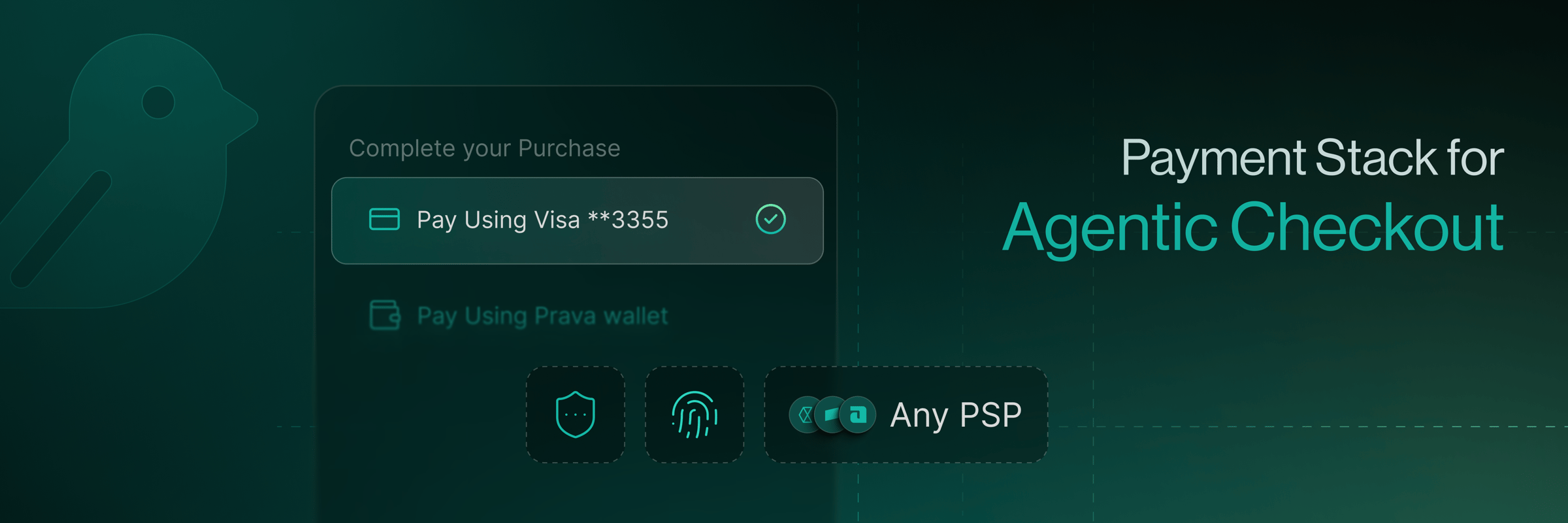 Prava turns a user's permission into a one-time, merchant-scoped card credential, so your agent can check out anywhere without ever touching raw card data. In-chat, in-voice, or any AI-native interface.
Go from zero to a working session in minutes.
## What do you want to do?
The interface is an AI agent (OpenClaw, Hermes, ChatGPT). Connect Prava Pay via MCP (Model Context Protocol) or the CLI. No card data, no crypto.
You own the interface. Embed the card UI in your page (SDK) or redirect to a Prava-hosted page (API). Pick your integration path.
You're a merchant or marketplace. Let agents discover, quote, and check out, with network-level enforcement. See Agentic Commerce.
Your agent pays with your card. See exactly what it can and can't do, and the controls that keep you in charge. No code required.
See how Prava works in a live demo. No setup required.
## The core ideas in 60 seconds
Think of Prava as a **programmable payment proxy**.
Instead of your AI agent handling raw credit card numbers (which creates massive compliance and security risks), it handles **permissions to spend**: approved by the user with a passkey and exchanged for a one-time, scoped credential.
It asks to buy a specific thing: merchant, amount, constraints.
The user approves on their device with a **Passkey** (Touch ID / Face ID).
Prava trades that permission with the **card network** for a one-time, merchant-specific credential.
The agent uses that ephemeral credential to complete the checkout at the merchant.
This decouples the *agent's ability to buy* from the *user's sensitive data*.
Four terms carry the whole system. A **session** is the workspace for one payment. A **passkey** is
the user's biometric approval (Touch ID / Face ID). A **mandate** is the resulting permission:
this merchant, up to this amount, for this long. A **payment token** is the single-use card
credential issued against it. Deeper reading: [How Prava Works](/concepts/how-it-works) ·
[Payments](/concepts/payments) · [Glossary](/concepts/glossary).
## What Prava provides
PCI scope is the security compliance you take on when handling card data. No sensitive card data exposure. Your agent never sees real card numbers.
Users authorize specific purchases via Passkey authentication.
Merchant-specific, amount-scoped credentials enforced at the card network level.
Cards can be enrolled for AI-agent-initiated transactions with network-level enforcement.
Works with any merchant checkout: Stripe, Braintree, Adyen, or custom PSPs.
A single SDK for complex payment orchestration.
## Who benefits
This documentation is for **developers building AI-powered applications** that need to make purchases on behalf of users. For the commerce capabilities behind that (discovery, quoting, and checkout), see [Agentic Commerce](/integration/overview).
* AI shopping/stylist apps (in-chat discovery → buy)
* Travel and booking agents (flight/hotel reservations)
* Personal assistant apps (scheduling, recurring purchases)
* Marketplaces and merchants who want to accept purchases triggered by LLMs or agents
## Start here
Three paths, decided in 10 seconds.
Go from zero to a working session.
The full flow, end to end.
Prava turns a user's permission into a one-time, merchant-scoped card credential, so your agent can check out anywhere without ever touching raw card data. In-chat, in-voice, or any AI-native interface.
Go from zero to a working session in minutes.
## What do you want to do?
The interface is an AI agent (OpenClaw, Hermes, ChatGPT). Connect Prava Pay via MCP (Model Context Protocol) or the CLI. No card data, no crypto.
You own the interface. Embed the card UI in your page (SDK) or redirect to a Prava-hosted page (API). Pick your integration path.
You're a merchant or marketplace. Let agents discover, quote, and check out, with network-level enforcement. See Agentic Commerce.
Your agent pays with your card. See exactly what it can and can't do, and the controls that keep you in charge. No code required.
See how Prava works in a live demo. No setup required.
## The core ideas in 60 seconds
Think of Prava as a **programmable payment proxy**.
Instead of your AI agent handling raw credit card numbers (which creates massive compliance and security risks), it handles **permissions to spend**: approved by the user with a passkey and exchanged for a one-time, scoped credential.
It asks to buy a specific thing: merchant, amount, constraints.
The user approves on their device with a **Passkey** (Touch ID / Face ID).
Prava trades that permission with the **card network** for a one-time, merchant-specific credential.
The agent uses that ephemeral credential to complete the checkout at the merchant.
This decouples the *agent's ability to buy* from the *user's sensitive data*.
Four terms carry the whole system. A **session** is the workspace for one payment. A **passkey** is
the user's biometric approval (Touch ID / Face ID). A **mandate** is the resulting permission:
this merchant, up to this amount, for this long. A **payment token** is the single-use card
credential issued against it. Deeper reading: [How Prava Works](/concepts/how-it-works) ·
[Payments](/concepts/payments) · [Glossary](/concepts/glossary).
## What Prava provides
PCI scope is the security compliance you take on when handling card data. No sensitive card data exposure. Your agent never sees real card numbers.
Users authorize specific purchases via Passkey authentication.
Merchant-specific, amount-scoped credentials enforced at the card network level.
Cards can be enrolled for AI-agent-initiated transactions with network-level enforcement.
Works with any merchant checkout: Stripe, Braintree, Adyen, or custom PSPs.
A single SDK for complex payment orchestration.
## Who benefits
This documentation is for **developers building AI-powered applications** that need to make purchases on behalf of users. For the commerce capabilities behind that (discovery, quoting, and checkout), see [Agentic Commerce](/integration/overview).
* AI shopping/stylist apps (in-chat discovery → buy)
* Travel and booking agents (flight/hotel reservations)
* Personal assistant apps (scheduling, recurring purchases)
* Marketplaces and merchants who want to accept purchases triggered by LLMs or agents
## Start here
Three paths, decided in 10 seconds.
Go from zero to a working session.
The full flow, end to end.